Resource

AI

The Other Side of Prompting

Most prompting advice tells you how to ask. The other side — telling AI what not to do — is where a lot of the actual quality lives, especially when it's baked into your skills instead of your prompts.

Most prompting advice tells you how to ask. Be specific. Give context. Show examples. Use the right structure.

All useful. But there's a quieter problem that none of it solves — the one where you write a clear, specific prompt, and the AI still gives you something that's technically what you asked for but not what you wanted. So you reprompt. And reprompt. And somewhere around the fourth attempt, you start wondering if you're the problem.

You're not. The prompt isn't broken. It's just incomplete.

What's missing is the other side: telling the AI what not to do.

Why prompts alone aren't enough

When you prompt, you're pointing the AI somewhere. But "somewhere" is huge. Even a tight prompt leaves a lot of room — and the AI fills that room with its defaults. The fonts it always reaches for. The layout patterns it's seen a thousand times. The tone it slips into when no one tells it otherwise.

You haven't ruled anything out. So it doesn't.

This is why reprompting often feels like a slow drift. You nudge it away from one default and it lands on another. You weren't specific enough about what you wanted, and you weren't specific at all about what you didn't.

Anti-patterns: telling AI what not to do

An anti-pattern is exactly what it sounds like — the choices you've already dismissed, written down. The defaults you don't want. The directions you've already tried and rejected.

A few examples:

  • Don't use centered hero layouts

  • Avoid generic SaaS gradients

  • No emoji in headings

  • Don't summarise — go straight into the point

That's it. They're small, they're specific, and they save you from the same wrong-turn happening over and over.

The first time you write one, it feels almost too obvious. Of course you don't want a centered hero. But the AI doesn't know that. It's not in your head. The moment you write it down, that whole branch of the tree gets cut off, and the next output is meaningfully closer to what you actually wanted.

Where they really pay off — in your skills, not your prompts

Putting anti-patterns in a single prompt helps you once. The real shift happens when you bake them into a skill.

A skill is reusable. A prompt isn't. If I write don't use centered hero layouts in today's prompt, I'll have to remember to write it again tomorrow. If I put it in a skill — alongside the rest of how I want layouts handled — it's there every time, automatically, without me having to think about it.

This is where scalability comes in. Most of the AI workflows that actually hold up over time aren't built on better one-off prompts. They're built on skills that carry the rules with them. And the rules that matter most aren't just do this — they're don't do this. The don'ts are what stop the slow drift back to defaults.

A prompt is a request. A skill is a working agreement. Anti-patterns belong in the agreement.

Rails: the partner to anti-patterns

Anti-patterns rule things out. Rails give the AI something to stay coherent against.

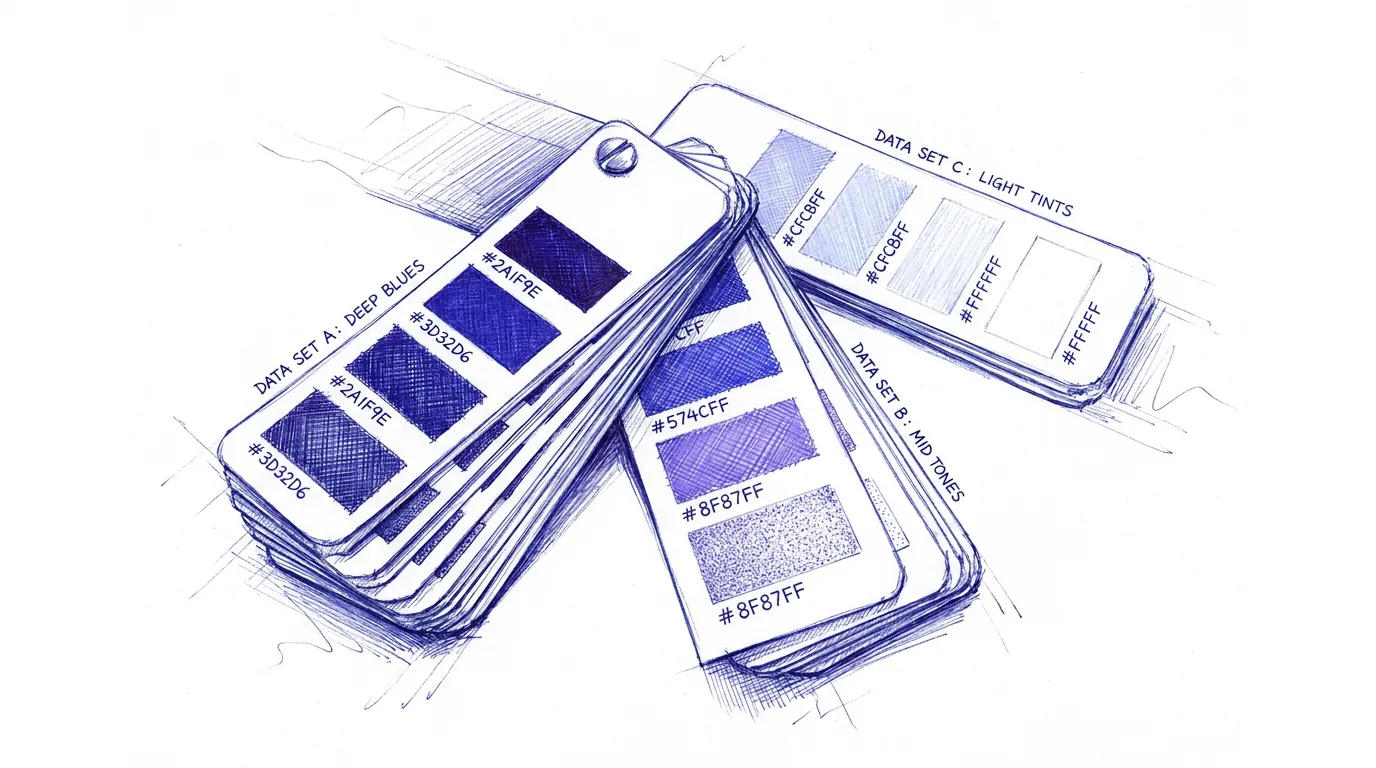
In design work, rails are usually a system or a theme — a defined set of fonts, colors, spacing, components. In writing, they might be a tone of voice or a structure. In code, a style guide or a set of patterns.

Anti-patterns and rails work together. Anti-patterns close down the bad paths; rails keep the AI on the good one. Without rails, every output is starting from scratch aesthetically — and you're back to the drift, just dressed up differently.
You already know how to do this

If you're a designer, none of this should feel new. You already build brand guidelines with a "don'ts" page. You already build design systems specifically so that work stays coherent across people, projects, and time. You already work with constraints because you know constraints are what produce craft.

The only thing that's new is the collaborator. The thinking transfers.

Try this

Next time you're prompting and an output isn't landing, don't just rewrite the prompt. Add one line to the bottom: Avoid X. Whatever the thing is the AI keeps reaching for that you don't want.

Then, when you find yourself writing the same avoid line in three different prompts — that's the signal. Move it into a skill. That's where the leverage is.

Most prompting advice is about getting better at saying what you want. The other side — saying what you don't — is where a lot of the actual quality lives.

Thanks for stopping by.

©2026 – Have a